Large-format print prep
Upload it. Size it. Print it right.
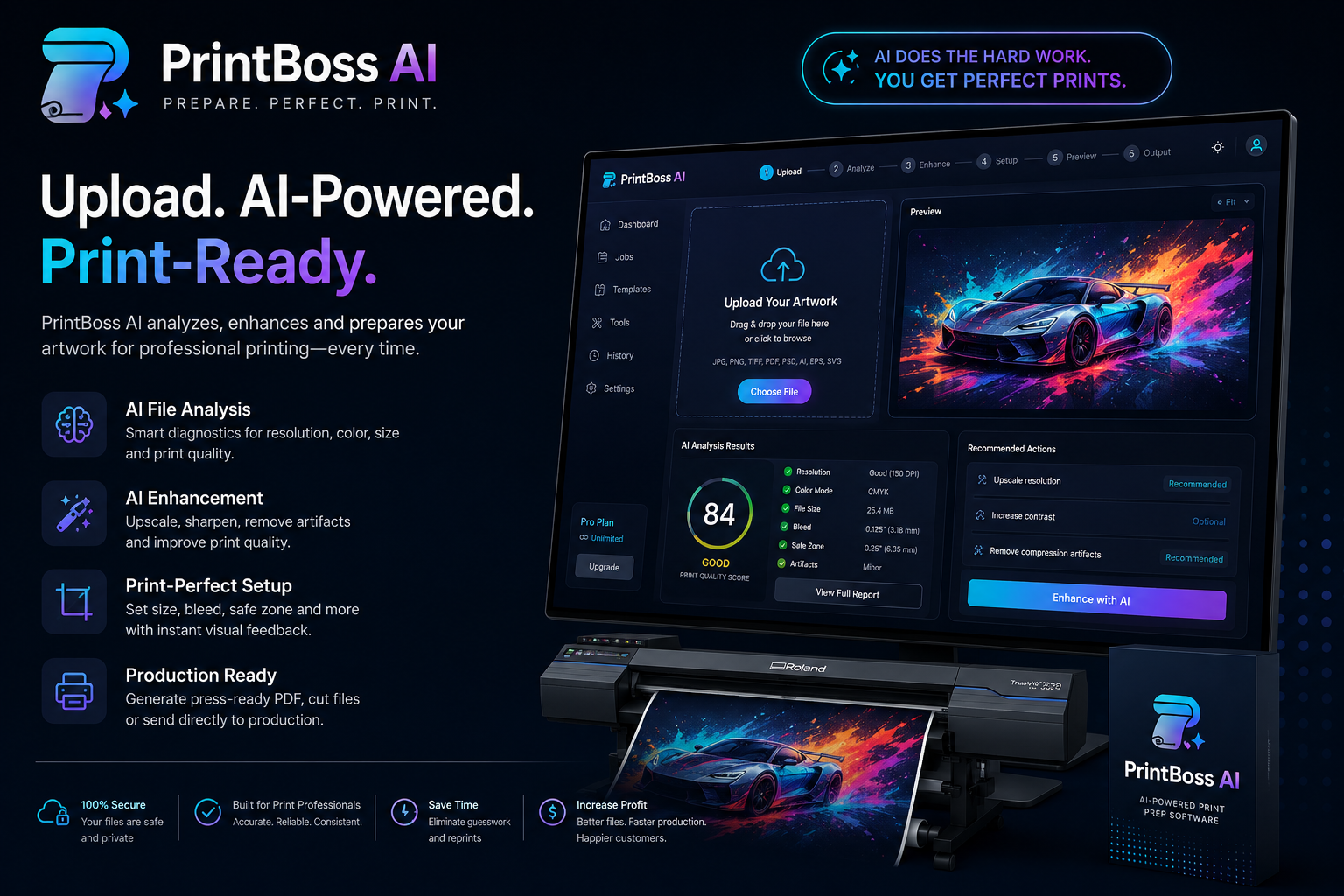
PrintBoss AI checks artwork the way an experienced prepress operator does: real effective PPI at the real print size, honest proportions, bleed, and a validated print-ready PDF before anything reaches the RIP.
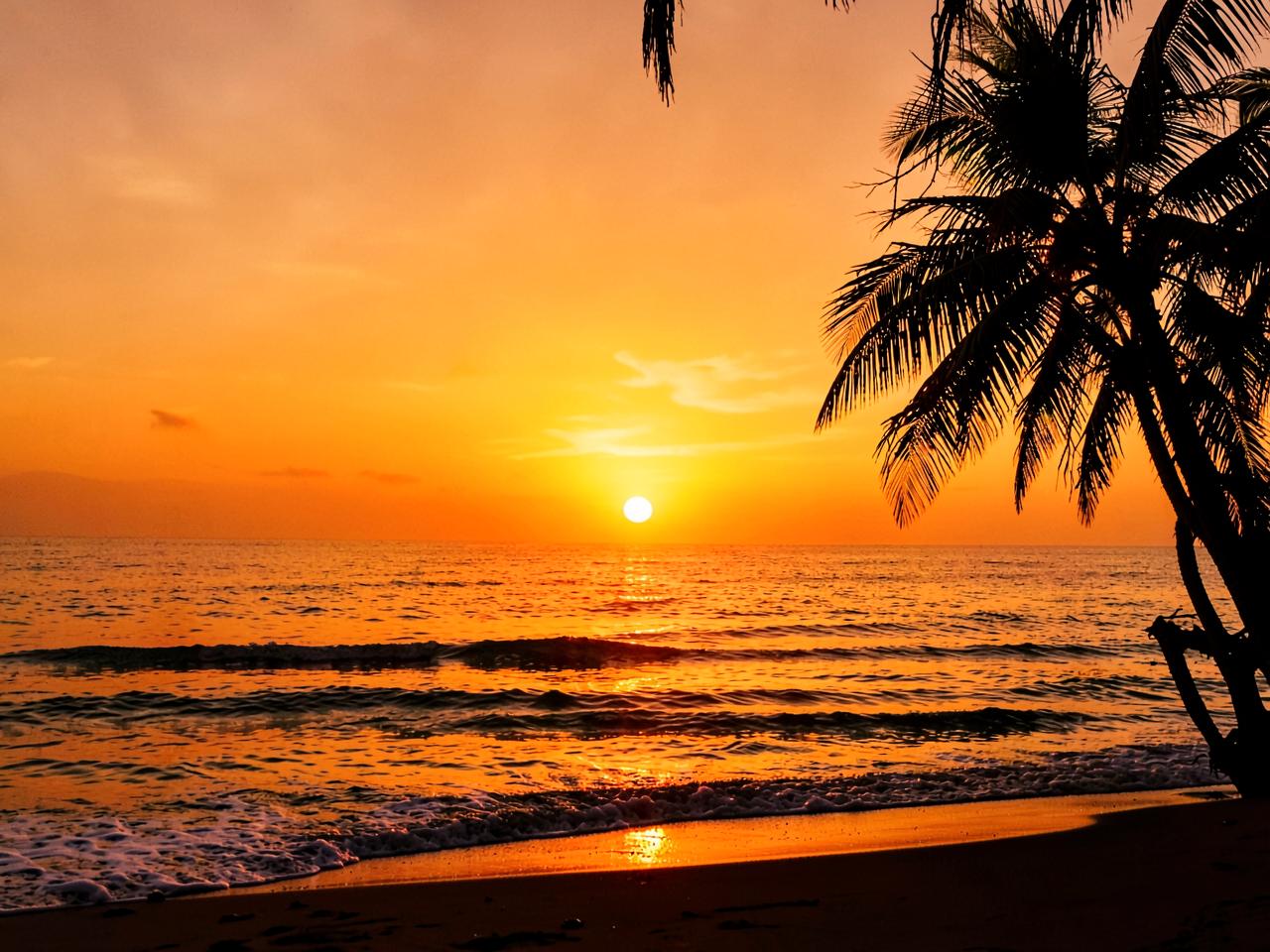
Requested
40" × 30"
Effective PPI
32
Quality
65
Dashed lines show trim and safe area. Original file: untouched — every output is a derivative.
01
Upload
JPG, PNG, TIFF, PDF, SVG or EPS. Your original is never altered.
02
Size it
Inches, feet, mm or cm — the size you actually want printed.
03
Print type
Banner, poster, decal, wall, wrap or fine art.
04
Quality check
True effective PPI, proportions, bleed and color.
05
Print Doctor
Plain-language problems with real, honest fixes.
06
Output
Validated print-ready PDF with media, bleed and trim boxes.
Maximum recommended size
For the 1280 × 960 px demo file, here is how large it can go before quality falls off.
| Quality | Max size | Use |
|---|---|---|
| 300 PPI | 4.3" × 3.2" | Close viewing (fine art, retail) |
| 200 PPI | 6.4" × 4.8" | Standard signage |
| 150 PPI | 8.5" × 6.4" | Large format, few feet away |
| 100 PPI | 12.8" × 9.6" | Banners, distance viewing |
Effective PPI, not file DPI
Embedded DPI tags lie. We divide pixels by the physical size you asked for — every time, in real time.
Print Doctor
Every issue is explained in shop language, with fixes that actually change the output instead of hiding the warning.
Aspect-ratio protection
Stretch is possible but never silent. Fit, fill and crop keep faces and logos honest.
Bleed you can see
Generated bleed is rendered into the file and shown as an overlay with trim and safe areas.
Validated output
Every PDF is re-opened and measured after generation. If it doesn't check out, you get an error, not a bad file.